ROCKIN’ WIT REEMO
Take the work with you.
Scan with your phone camera, or open a link on your phone. Sign in with your own RWR account.
Member app
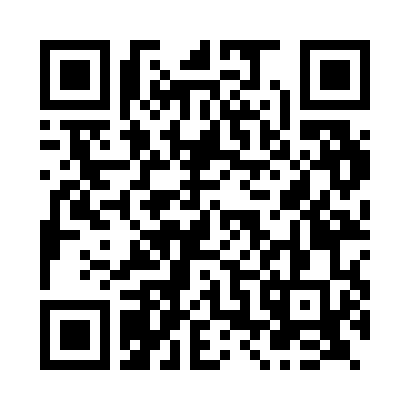
members.rockinwitreemo.com/member/app
Private Coach dashboard
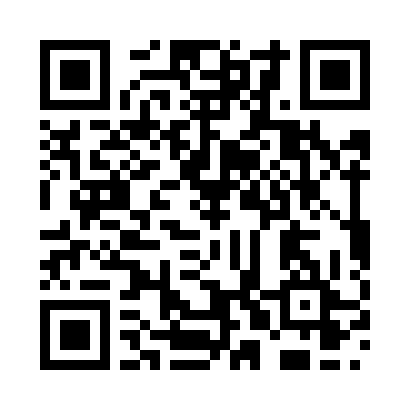
violet.rockinwitreemo.com/coach/operations
Your Coach sign-in is required. Scanning this code does not grant access.
Use RWR on your phone
- iPhone: open the member link in Safari. Tap Share, then Add to Home Screen. If offered, turn on Open as Web App, then tap Add.
- Android: open the member link in Chrome. Open the browser menu and choose Install app or Add to Home Screen.
- Open the new RWR icon and sign in. Internet access is required for your account, program, and saved records.
If you already have the RWR app installed, open it and use the same RWR account. You can also use the member website or add it to your home screen with the steps above. Store availability is shown by the actual store listing; this guide does not confirm a public App Store or Google Play release. Internet access and the appropriate account and program access are still required. The private Coach dashboard can also be a separate home-screen shortcut.
Choose the right environment
The installed icon keeps the address used when you added it. A newer protected Preview does not automatically replace the Production app.
Open protected Member Preview · Open protected Founder Preview
The Member and private Coach links above use their named Production domains. The Preview links here are explicitly for review; signing in does not transfer your access or records between environments.
Your first visit or return
- Start at Sign in on this environment. Use your existing RWR account. If you are new and Create account is offered, follow that environment’s account-creation and verification steps. Do not create a second account just because a page looks different.
- Complete the welcome steps, choose your training focus, or use the optional skip and return later. Choosing a focus does not purchase or assign a training plan. Your next available assessment or program step is on Today.
- Open Program for your available plan. Use its calendar, activity guidance, records and progress. Other programs remain optional to explore and still require their own access.
- Open Help & feedback, choose Get help, Report a problem or Suggest an improvement, then review and send your message. A draft has not been received by RWR.
- Settings is in the navigation menu. Appearance and motion choices stay on this browser; eligible calendar availability uses your RWR account. Communication requests need review and do not activate a notification service.
Use Forgot your password for recovery. Keep passwords and security links private. Public enrollment and checkout stay closed until their own release is approved.